 DesignCoder.art
Glassmorphism in Web Design: A Modern UI Trend for Designers & Developers
Glassmorphism is a modern UI design trend defined by frosted-glass effects, background blur, and layered transparency. Popular in SaaS products, dashboards, and landing pages, it bridges visual elegance with functional interface design. Learn when to use glassmorphism, how to implement it in CSS, and what to watch out for in terms of accessibility and performance.
1. What Is Glassmorphism?
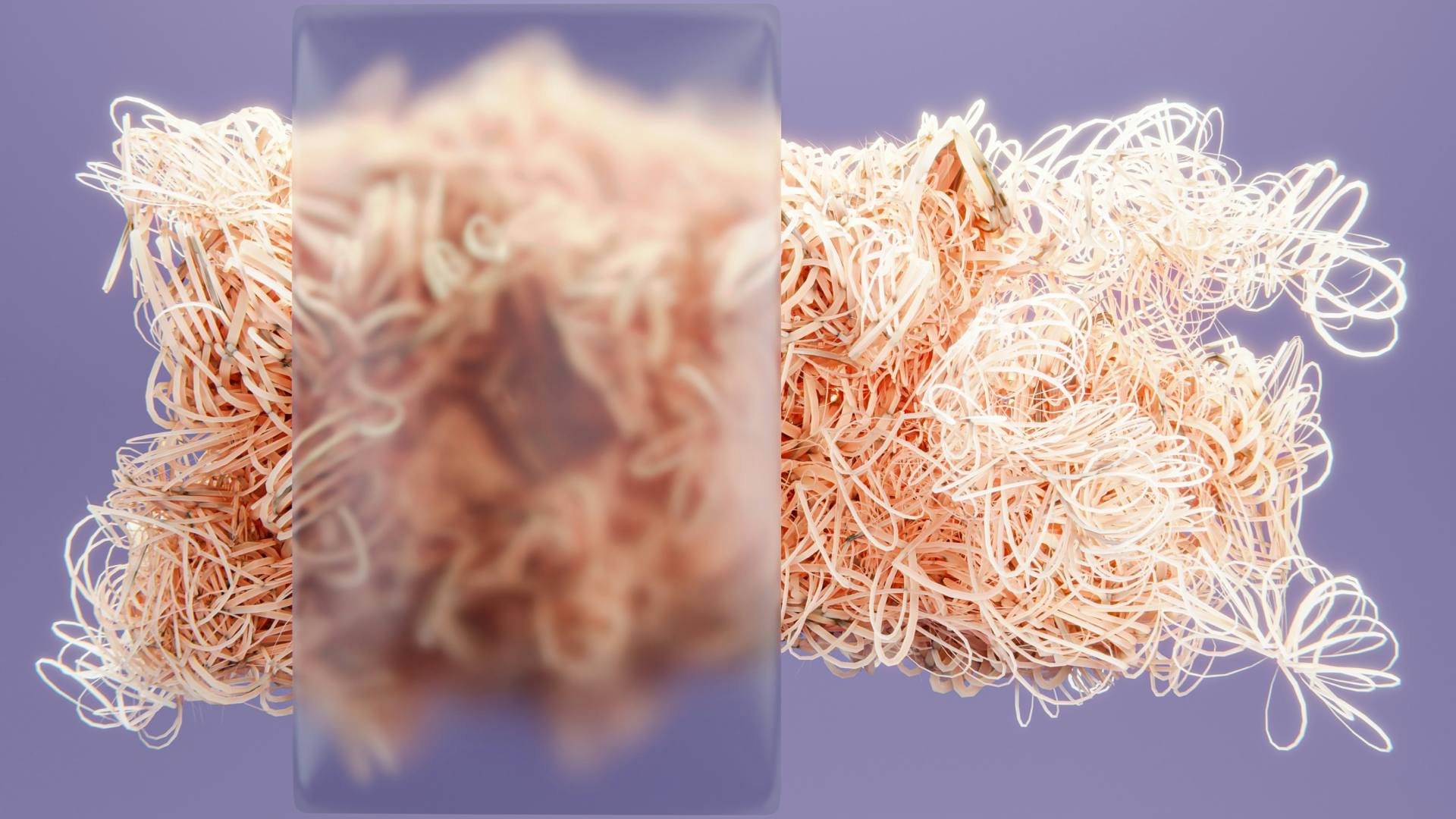
Glassmorphism is a UI design style that mimics the appearance of frosted or translucent glass. Interface elements appear semi-transparent, subtly blurred, and layered above colorful or gradient-rich backgrounds. This creates depth, hierarchy, and a modern aesthetic that feels light and premium at the same time.
2. Why Glassmorphism Works in Modern UI Design
Glassmorphism enhances visual hierarchy by clearly separating interface layers without heavy borders. It works especially well in minimalist layouts, SaaS dashboards, and modern landing pages where designers want to communicate innovation, clarity, and elegance. The effect feels familiar thanks to its adoption in major operating systems like iOS and macOS.
3. Glassmorphism vs Flat Design and Neumorphism
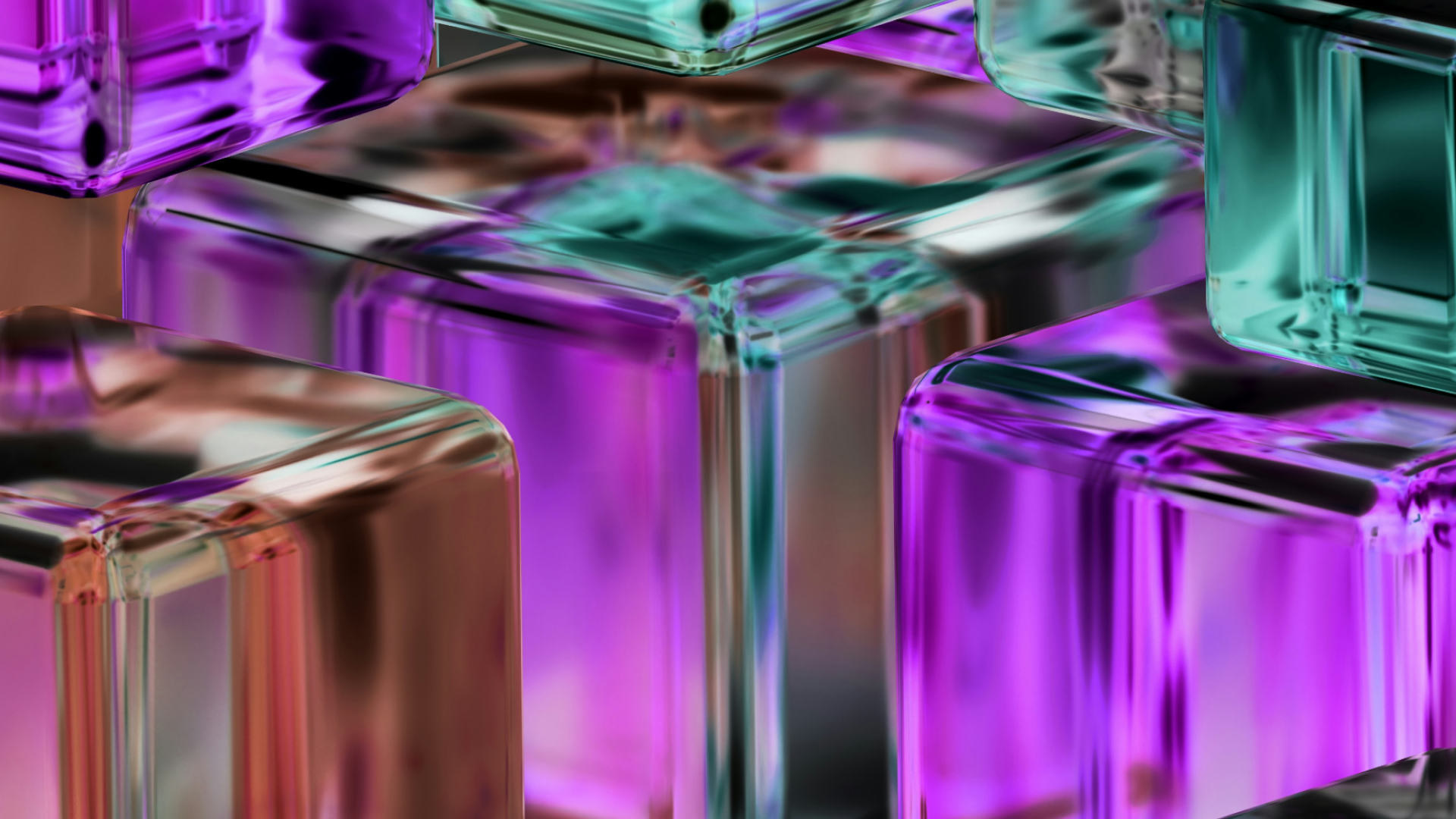
Flat design prioritizes clarity and performance but lacks depth. Neumorphism introduces soft shadows but often struggles with accessibility. Glassmorphism sits between the two: it adds depth and visual interest while remaining usable when contrast and readability are handled correctly. This balance makes it a strong choice for modern web interfaces.
4. Implementing Glassmorphism with CSS
From a front-end development perspective, glassmorphism is achieved using modern CSS features such as backdrop-filter, rgba backgrounds, soft borders, and subtle shadows. The key is moderation—light blur, gentle transparency, and limited layering ensure the effect enhances usability rather than harming performance. To speed up your workflow, you can also generate ready-to-use CSS code using our Glassmorphism Generator, perfectly tailored for modern web projects.
5. Accessibility and Performance Considerations
Glassmorphism must be used carefully to remain accessible. Text contrast should always be tested, long-form content should avoid transparent backgrounds, and blur effects should be limited to key UI elements. From a performance standpoint, excessive blur layers can impact rendering, so optimization and fallbacks are essential.
Want to stay ahead in UI and front-end trends? Explore more Modern Web Design Trends.